
Contact Profile Section
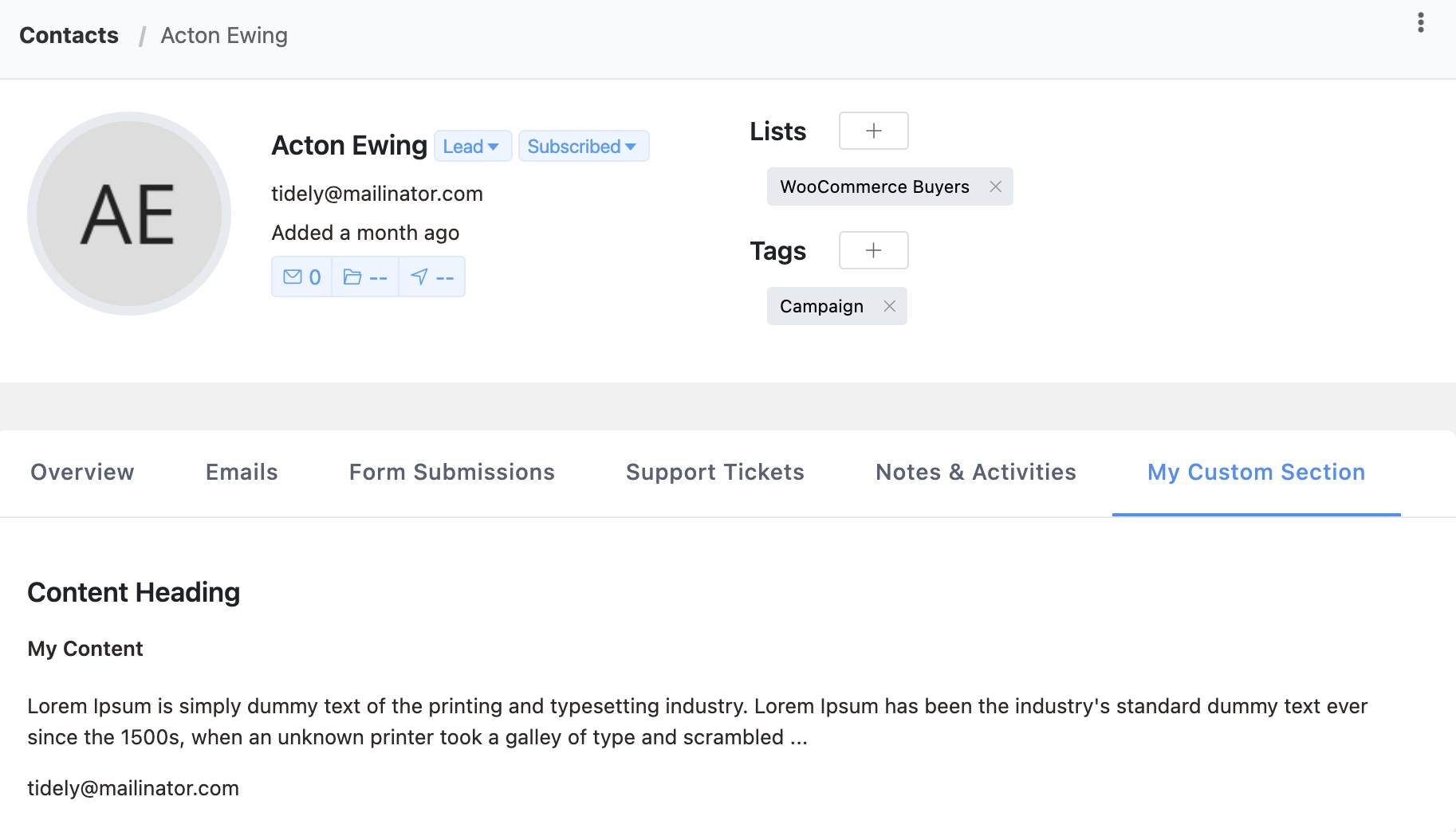
FluentCRM Core IntermediateYou can add custom tabs to the FluentCRM contact profile page using the Extender API. This is useful for displaying plugin-specific data alongside contact information.
Basic Example
php
add_action('fluent_crm/after_init', function () {
    FluentCrmApi('extender')->addProfileSection(
        'my_custom_section',
        __('My Custom Section', 'your-plugin'),
        function ($contentArr, $subscriber) {
            $contentArr['heading'] = 'Course Progress';
            $contentArr['content_html'] = '<div>
                <p>Email: ' . esc_html($subscriber->email) . '</p>
                <p>Courses completed: 3</p>
            </div>';
            return $contentArr;
        }
    );
});
API Reference
FluentCrmApi('extender')->addProfileSection($key, $sectionTitle, $callback, $saveCallback)
| Parameter | Type | Required | Description |
|---|---|---|---|
$key | String | Yes | Unique section identifier. Use your plugin prefix to avoid conflicts. |
$sectionTitle | String | Yes | Tab title displayed in the profile sidebar |
$callback | Callable | Yes | Renders the section content |
$saveCallback | Callable | No | Handles save requests from the section |
Render Callback
The render callback receives two arguments and must return the modified $contentArr:
| Parameter | Type | Description |
|---|---|---|
$contentArr | Array | Contains heading and content_html keys to populate |
$subscriber | Subscriber | The contact model with all properties and relations |
The $contentArr you return must include:
heading— Section heading displayed at the topcontent_html— HTML content rendered in the section body
Save Callback (Optional)
If provided, the save callback handles POST requests from your section (e.g., form submissions):
| Parameter | Type | Description |
|---|---|---|
$response | Array | Response array to return |
$data | Array | Posted form data |
$subscriber | Subscriber | The contact model |
php
FluentCrmApi('extender')->addProfileSection(
    'my_editable_section',
    __('My Section', 'your-plugin'),
    function ($contentArr, $subscriber) {
        $notes = get_user_meta($subscriber->user_id, 'my_plugin_notes', true);
        $contentArr['heading'] = 'My Plugin Notes';
        $contentArr['content_html'] = '<textarea name="notes">' . esc_textarea($notes) . '</textarea>';
        return $contentArr;
    },
    function ($response, $data, $subscriber) {
        if (isset($data['notes'])) {
            update_user_meta($subscriber->user_id, 'my_plugin_notes', sanitize_textarea_field($data['notes']));
        }
        $response['message'] = __('Notes saved successfully', 'your-plugin');
        return $response;
    }
);
Available Subscriber Properties
The $subscriber model provides access to all contact data:
$subscriber->email— Contact email$subscriber->first_name,$subscriber->last_name— Name fields$subscriber->status— Contact status (subscribed, pending, etc.)$subscriber->user_id— Linked WordPress user ID (if any)$subscriber->tags— Collection of assigned tags$subscriber->lists— Collection of assigned lists$subscriber->custom_fields()— Custom field values
Source: app/Api/Classes/Extender.php